








Price: $38.99 - $29.99
(as of Jun 15, 2025 06:34:23 UTC – Details)
Product Description

Before You Buy, Please Note:
Compatible:
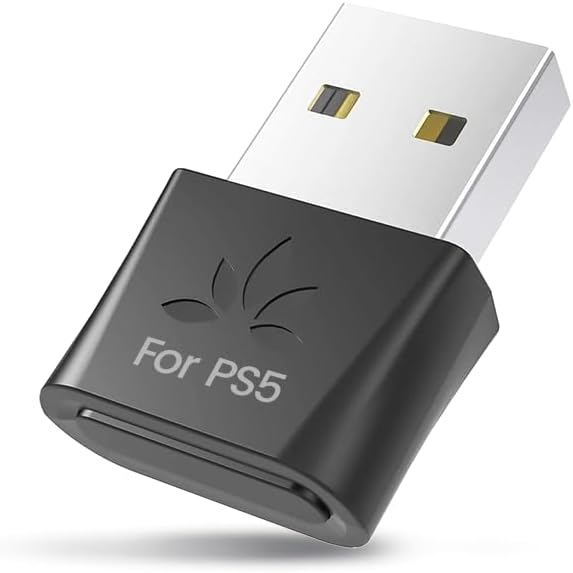
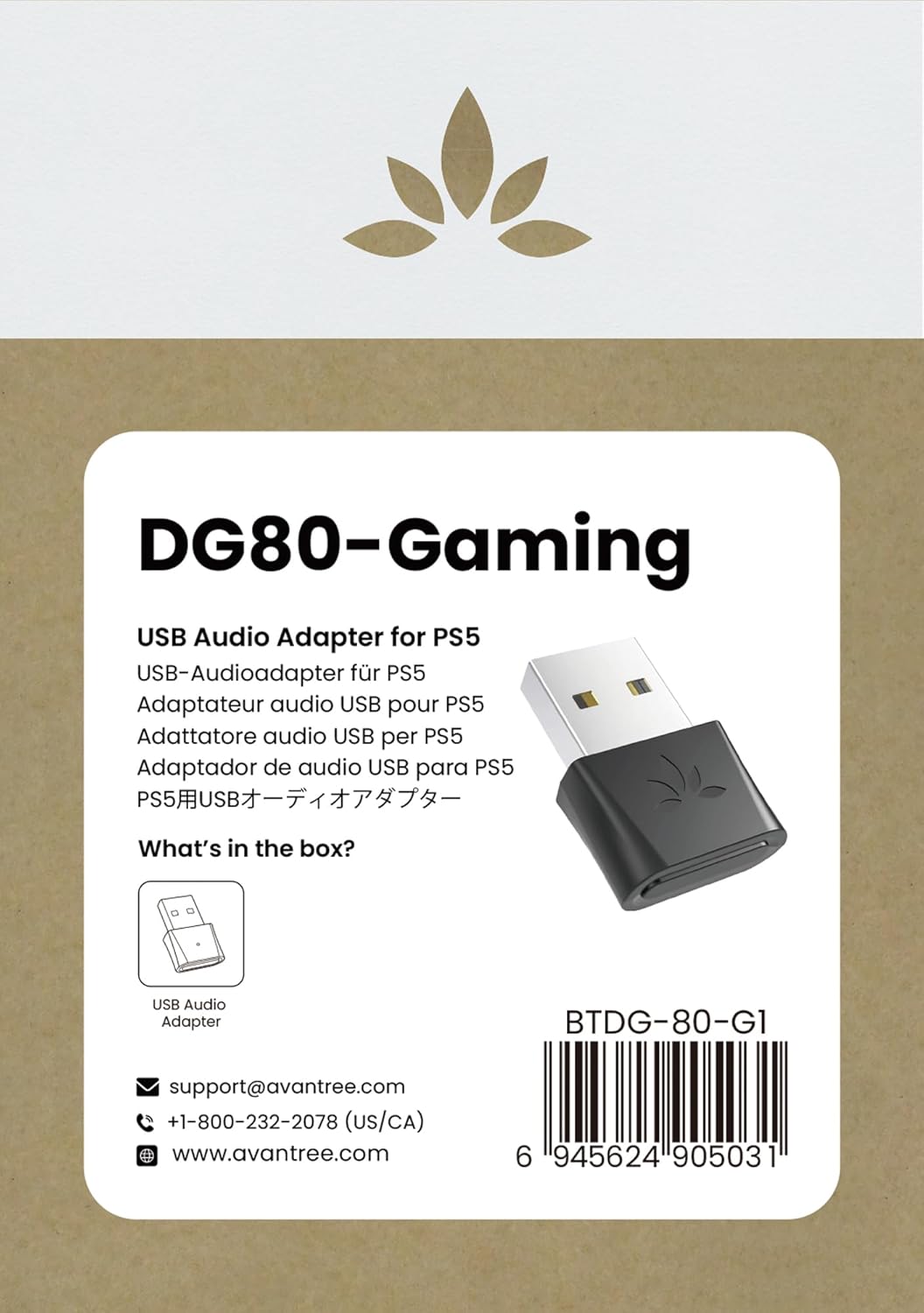
Works with PS5, PS4, Swith Console; Connects to Bluetooth headphones, earbuds, speakers.
Not Compatible:
Does not work with pc, mac, linux, tv, PS5 Portal, printers and projectors, for use with pc, consider the C81-PC for best results.Not compatible with pulse 3d and 2.4G wireless headsets, keyboards, mice and game controllers.

EASY SETUP 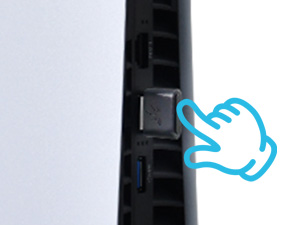 Plug In
Insert DG80-Gaming into USB-A port. Press and hold the button to enter fast-flashing pairing mode.
 Pair
Pair
Turn off your phone’s Bluetooth to prevent interference. Press and hold the headphone’s button to activate pairing mode.
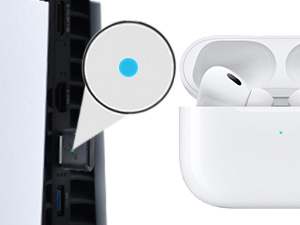 Wait for Connection
Wait until the LED slows and indicates connection.
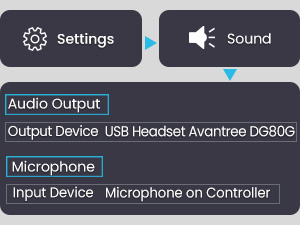 Settings
Set PS5 output to “Avantree DG80G” and input to “Microphone on Controller.”
SPECIFICATIONS
Bluetooth Version v5.3 Supported Audio Codecs aptX-HD, aptX-Adaptive, aptX-LL, aptX, SBC Supported Bluetooth Profiles A2DP, AVRCP, HSP, HFP Operating Range Up to 100ft / 30m Frequency Range 2.4GHz – 2.48GHz Size 14mm x 26mm x 7mm Net Weight 3g Jack Type Type A
COMPARISON TABLE
Add to Cart
Add to Cart
Add to Cart
Add to Cart
Add to Cart
Customer Reviews
4.1 out of 5 stars 106
4.1 out of 5 stars 386
3.7 out of 5 stars 78
3.8 out of 5 stars 318
4.0 out of 5 stars 3,473
Price
$29.99$29.99
$29.99$29.99
$29.99$29.99
$31.99$31.99
$29.99$29.99
Compatibility
Gaming consoles i.e. PS4 & PS5
Gaming consoles i.e. PS4 & PS5
PC & Mac
PC, Mac, PS4, PS5
Gaming consoles i.e. PS4 & PS5
Supported Devices
Audio devices (ie headphones)
Audio devices (ie headphones)
Audio devices (ie headphones)
Audio devices (ie headphones)
Audio devices (ie headphones)
USB Port Type
USB-A
USB-C
USB-C
USB-A
USB-A
Operating Range
Up to 100ft / 30m
Up to 100ft / 30m
Up to 100ft / 30m
Up to 164ft / 50m
Up to 100ft / 30m
Supported Bluetooth Codecs
aptX-Adaptive/HD/LL, aptX, SBC
aptX-Adaptive/HD/LL, aptX, SBC
aptX-Adaptive/HD/LL, aptX, SBC
aptX-Adaptive/HD/LL, aptX, SBC
aptX-Adaptive/HD/LL, aptX, SBC
Latency
40ms
40ms
40ms
40ms
40ms
Audio Quality
24bit / 96kHz
24bit / 96kHz
24bit / 96kHz
24bit / 96kHz
24bit / 96kHz
Q1: I can’t pair with my headphones. What should I do?
1. Check for Existing Connections: 60% of pairing issues happen because the headphones are already connected to another device, such as your smartphone. Turn off Bluetooth on any other connected devices.
2. Ensure Pairing Mode: 20% of pairing issues occur because the headphones aren’t in pairing mode. Turning them on doesn’t necessarily enable pairing mode. Look for flashing red and blue LEDs as an indication, or refer to the user manual.
3. If Issues Persist:
3.1 Clear Interference: Nearby devices (e.g., Wi-Fi routers, smart TVs) can affect pairing. Unplug or move away from these devices.
3.2 Reset the Adapter: Press and hold the DG80G button for 2 seconds until the LED flashes white and blue. Then, quickly double-tap the button. The LED will turn solid blue briefly, then return to flashing white and blue.
3.3 Reset the Headphones: Check your user manual if you need guidance on resetting your headphones.
—————————
Q2: How to Enhance Talk and Game Audio Quality on PS5?
To enhance PS5 audio during gaming, avoid using Bluetooth headphones’ microphones. which switch to a lower-quality mono mode. Instead, use the PS5 controller’s mic to maintain high-quality stereo sound.
[PERFECT FOR GAMING] Connect your Bluetooth headphones (excluding the PULSE 3D and other 2.4G headsets) to your PS5 or other gaming consoles with the DG80-Gaming adapter and enjoy high-fidelity audio with no wires, drivers, or software required. NOTE: For use with PC and other devices, consider the C81-PC for best results.
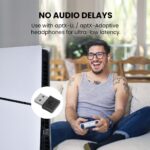
[NO AUDIO DELAYS] When used with headphones that support aptX-Low Latency or aptX-Adaptive, a latency of 55ms or less provides perfectly synced audio & visual.
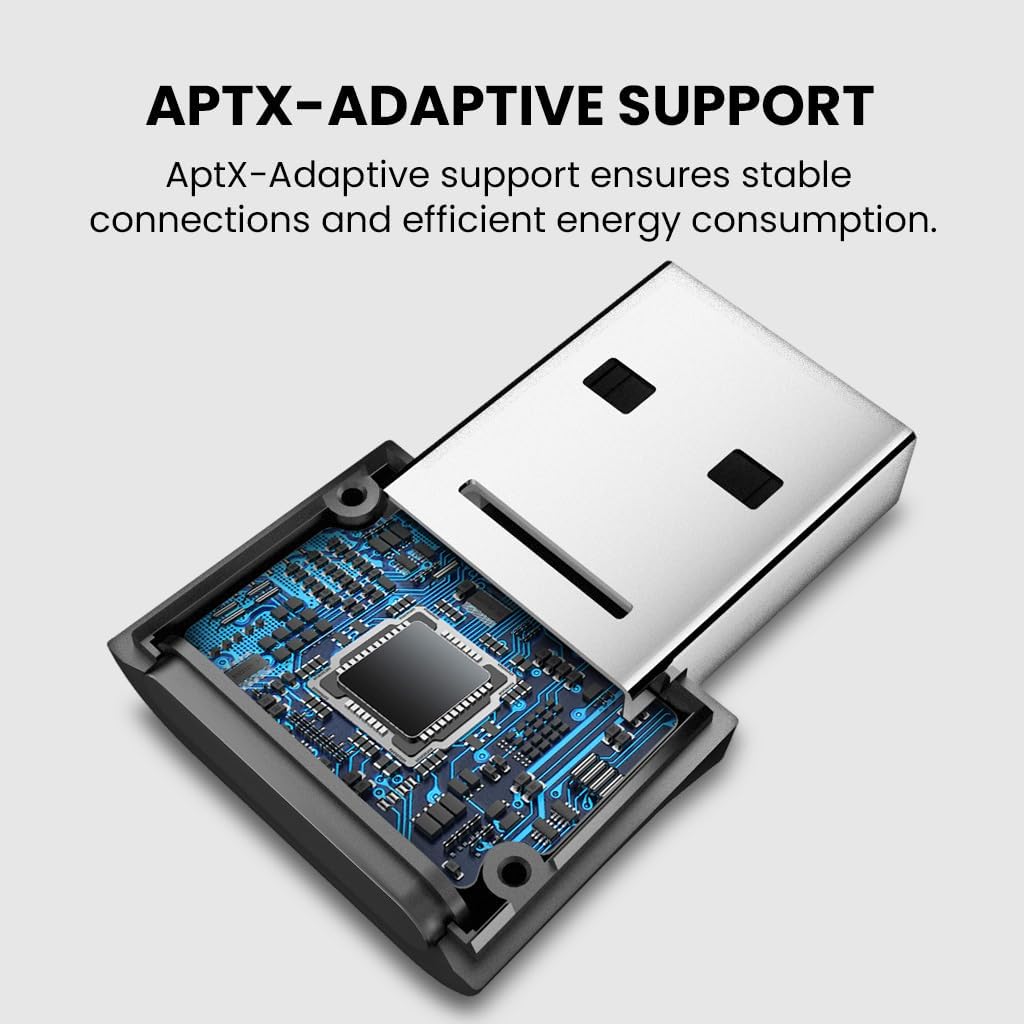
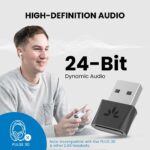
[HIGH-DEFINITION AUDIO] Equipped with a Qualcomm chipset that supports aptX-LL, HD, and Adaptive, the DG80-Gaming transmits high-quality 24-bit dynamic audio via a stable, energy-efficient connection.
[EXTENDED RANGE] Listen from afar at a range of up to 100ft / 30m.
[USER-FRIENDLY] In order to connect, simply plug the DG80-Gaming into your console and put your headphones into pairing mode – they’ll automatically connect. For any subsequent use, the headphones will automatically reconnect to the adapter.
Customers say
Customers find that the Bluetooth adapter works well with PS5 Pro and is very easy to set up.
 Overview
 Processor
 Display
![]() RAM
RAM
 Storage
![]() Video Card
Video Card
 Connectivity
 Features
 Battery
 General
Related Products




Apple MacBook Pro 16″ M1 Pro
Out of stock
Reviews
Clear filtersThere are no reviews yet.