





Price: $29.99
(as of Apr 30, 2025 05:24:34 UTC – Details)
Product Description


1 Shortcut Button
2 Tilt Sensitivity
3 Smooth Using Experience
4 Palm Rejection
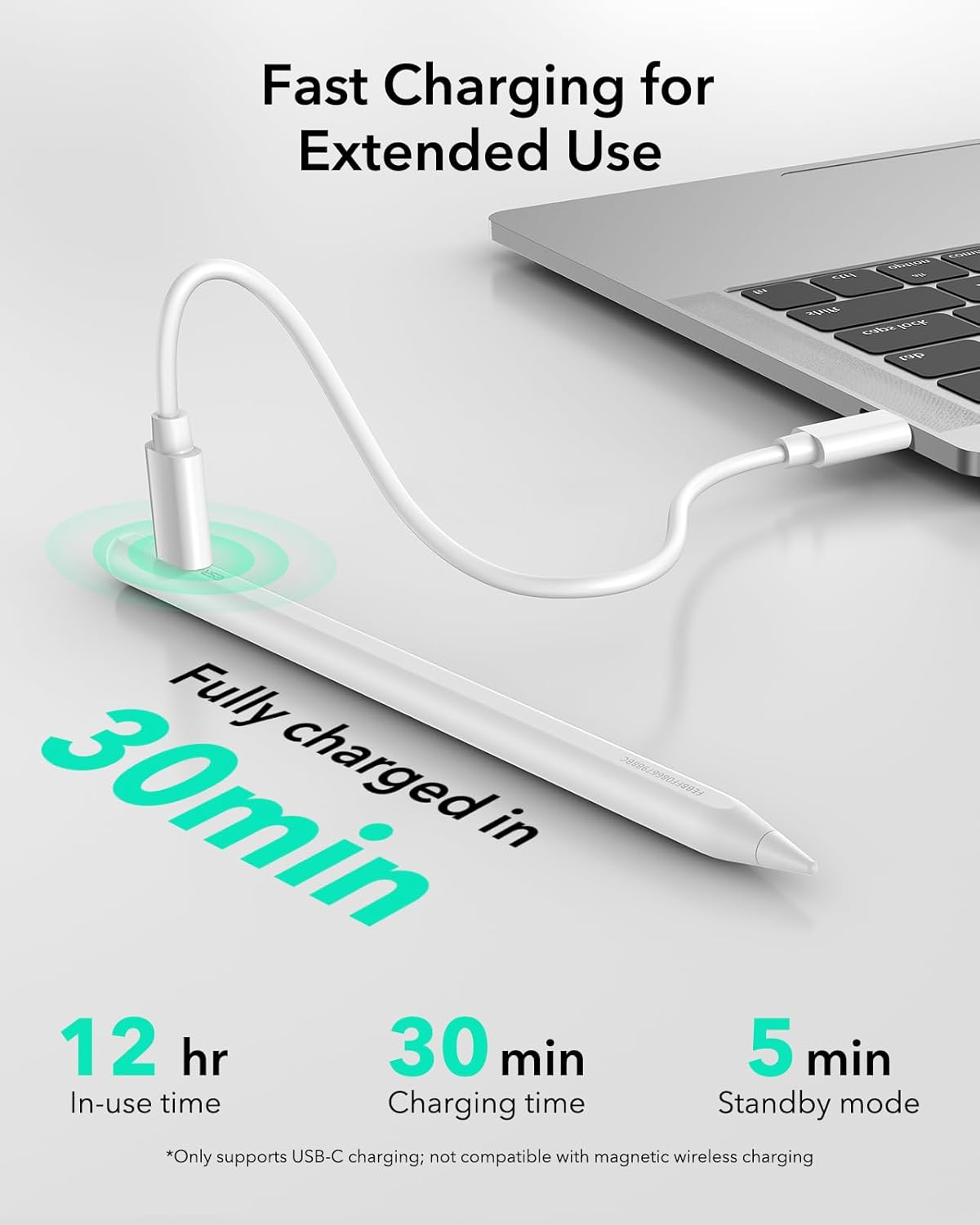
5 30 Min Fast Charging


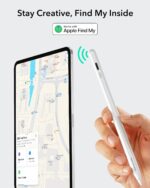
1 Findmy Function
2 Bluetooth Connection
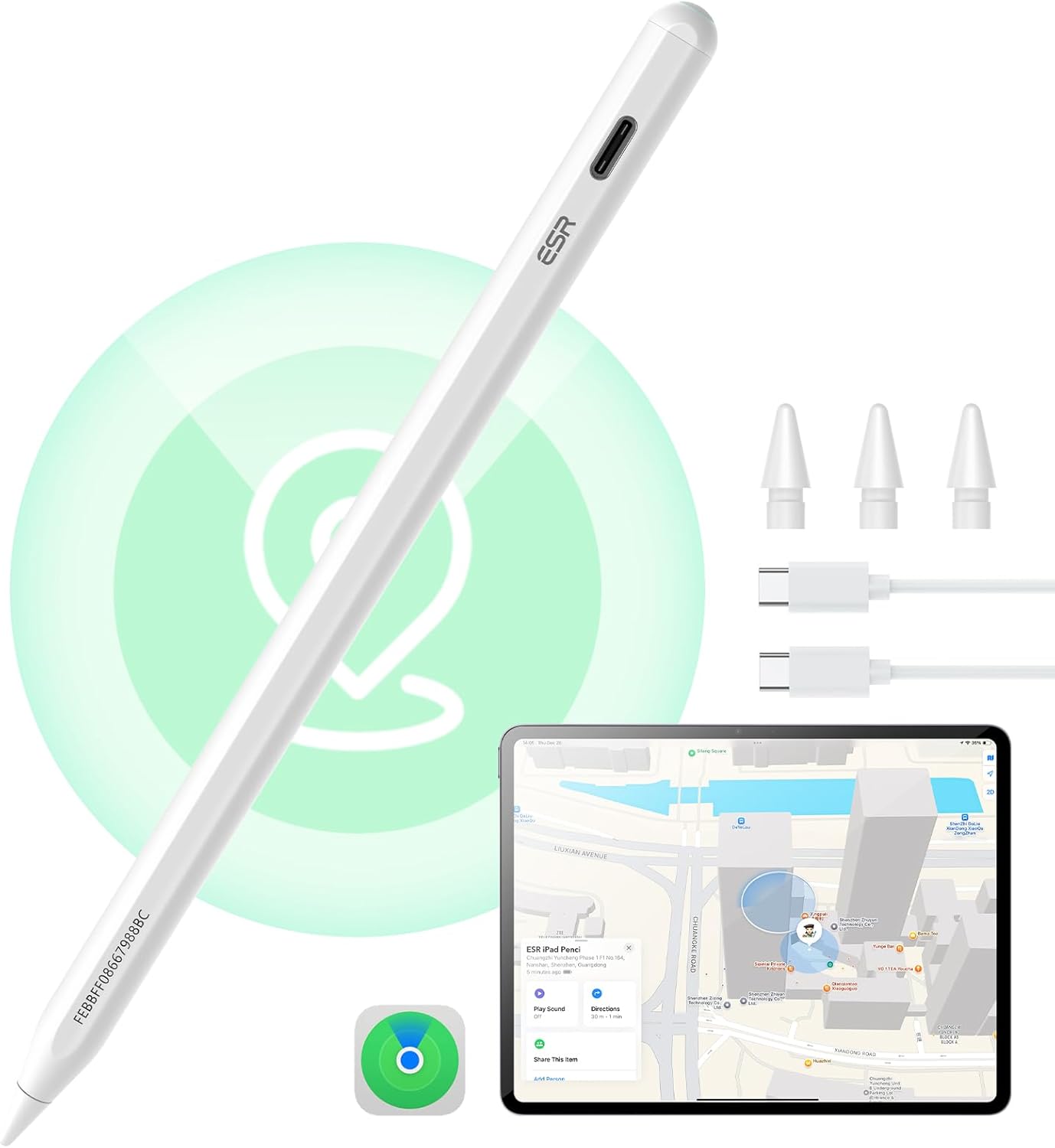
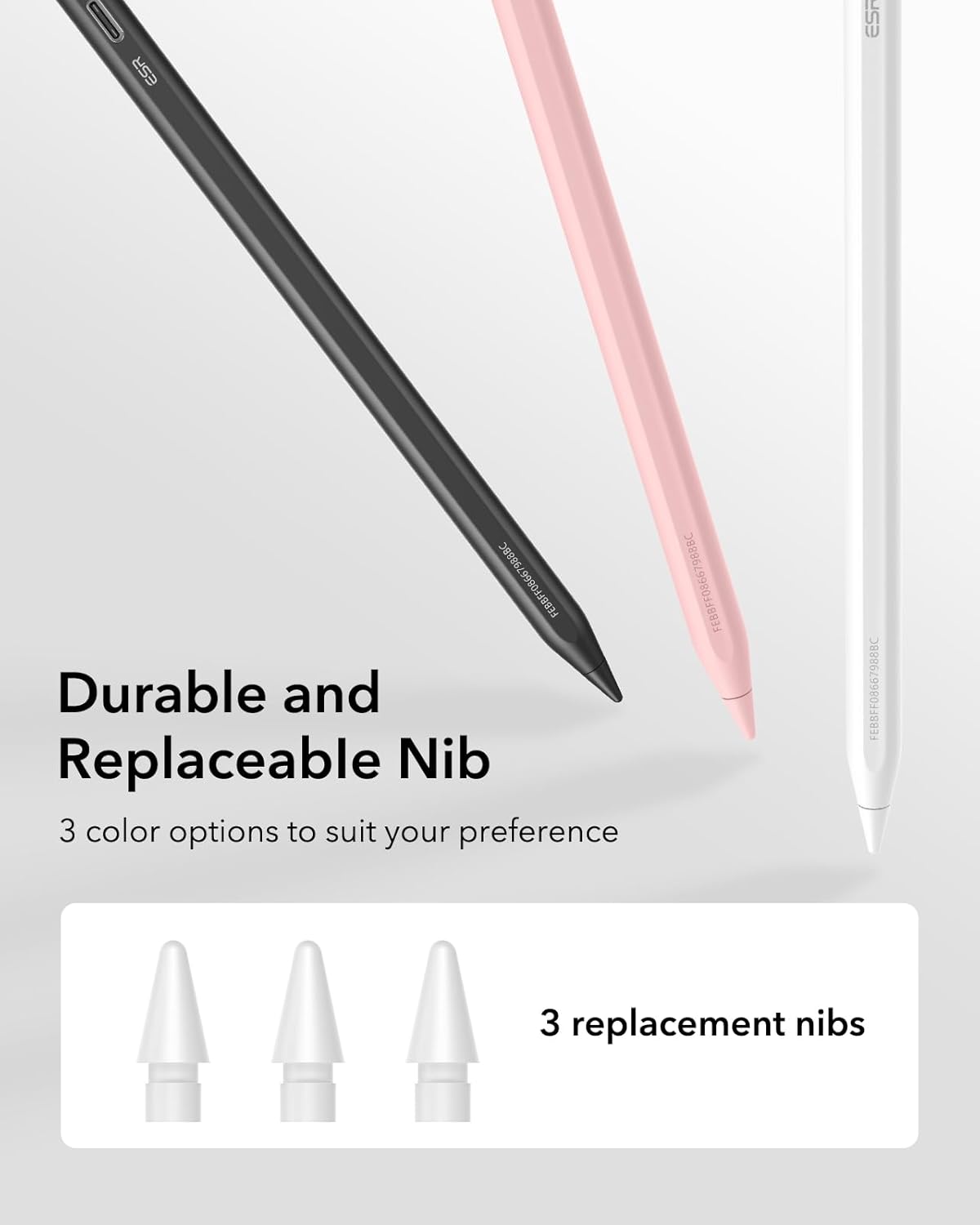
3 Durable Replaceable Nibs
What should I do if my Find My Pencil won’t turn on?
If the Pencil won’t turn on, try charging it with a Type-C cable for 25 minutes. Once fully charged, test the Pencil again.
What should I do if my Find My Pencil turn on but still not working?
1.If your iPad is connected to an Apple Pencil, it may prevent the third-party stylus from working. Please disconnect the Apple Pencil first.
2. Ensure your iPad is an compatible model, as the stylus may not be compatible with others
What should I do if my Find My Pencil won’t connect to Bluetooth?
Follow these steps to connect via Bluetooth:
1. Press and hold the button on the back of the Pencil for 2 seconds to activate pairing mode.
2. Go to iPad Settings > Bluetooth and select ESR Geo Digital Pencil to pair.
Does this Pencil support magnetic pairing and charging?
1.This Pencil supports magnetic attachment with the compatible models (note: it does not support wireless charging):
2.The Pencil cannot be charged magnetically and must be charged via USB-C.
What should I do if I see the “Find My unavailable” alert on my iPad?
If this alert appears, please check the following:
1. Ensure Bluetooth is turned on for your iPad.
2. Confirm your iPad is connected to a stable Wi-Fi or cellular network.
3. Verify that your iPad is signed in to your Apple ID.


Easy to Find: Find My function allows you to locate your iPad Pencil anytime and anywhere, whether you’ve misplaced it while out or at home
Fast Charging: connect a Type C charger for the Apple iPad Pencil to be fully charged within 30 minutes to save time. NOTE: DO NOT SUPPORT WIRELESS CHARGING.
Easy Shortcuts: when connected to Bluetooth, tap to return to the main interface, double-tap to access the task manager, and view real-time battery level display
Tilt Sensitivity: built-in sensor allows you to adjust the thickness of your lines by tilting the nib, enabling realistic shading, detailed drawings, and writing just like on paper
Secure Magnetic Attachment: keep your Geo Digital Pencil handy and secure by magnetically attaching it to your tablet for easy storage on the go; only supports magnetic attachment with Apple iPads that support Pencil magnetic attachment
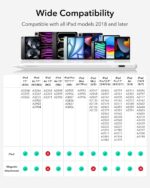
Compatibility: For New 2025 Apple iPad 11th(A16) & iPad Air 11, iPad Pro 11” & 13” (M4), iPad 10/9/8/7/6 Gen, iPad Air 11″/13″(M2),iPad Air 5/4/3 Gen, iPad Pro 11 inch 4/3/2/1 Gen, iPad Pro 12.9” 6/5/4/3 Gen, iPad Mini 6/5/7(A17Pro)
Customers say
Customers find the input pen works well, with one mentioning it functions like a real Apple Pencil and another noting its exceptional compatibility with all apps. Moreover, the product receives positive feedback for its quality, value for money, and writing ability, with one customer noting it works well for both writing and drawing on iPad. Additionally, customers appreciate its lightweight design, lasting battery life, and feel, while finding it convenient to set up.
 Overview
 Processor
 Display
![]() RAM
RAM
 Storage
![]() Video Card
Video Card
 Connectivity
 Features
 Battery
 General
Related Products




Apple MacBook Pro 16″ M1 Pro
Out of stock
Reviews
Clear filtersThere are no reviews yet.