





Price: $15.95
(as of May 25, 2025 00:18:50 UTC – Details)
Product Description


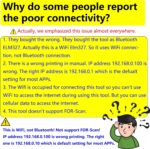
Explanation to the Issues Mentioned in the Reviews
1. Does it support Bluetooth?
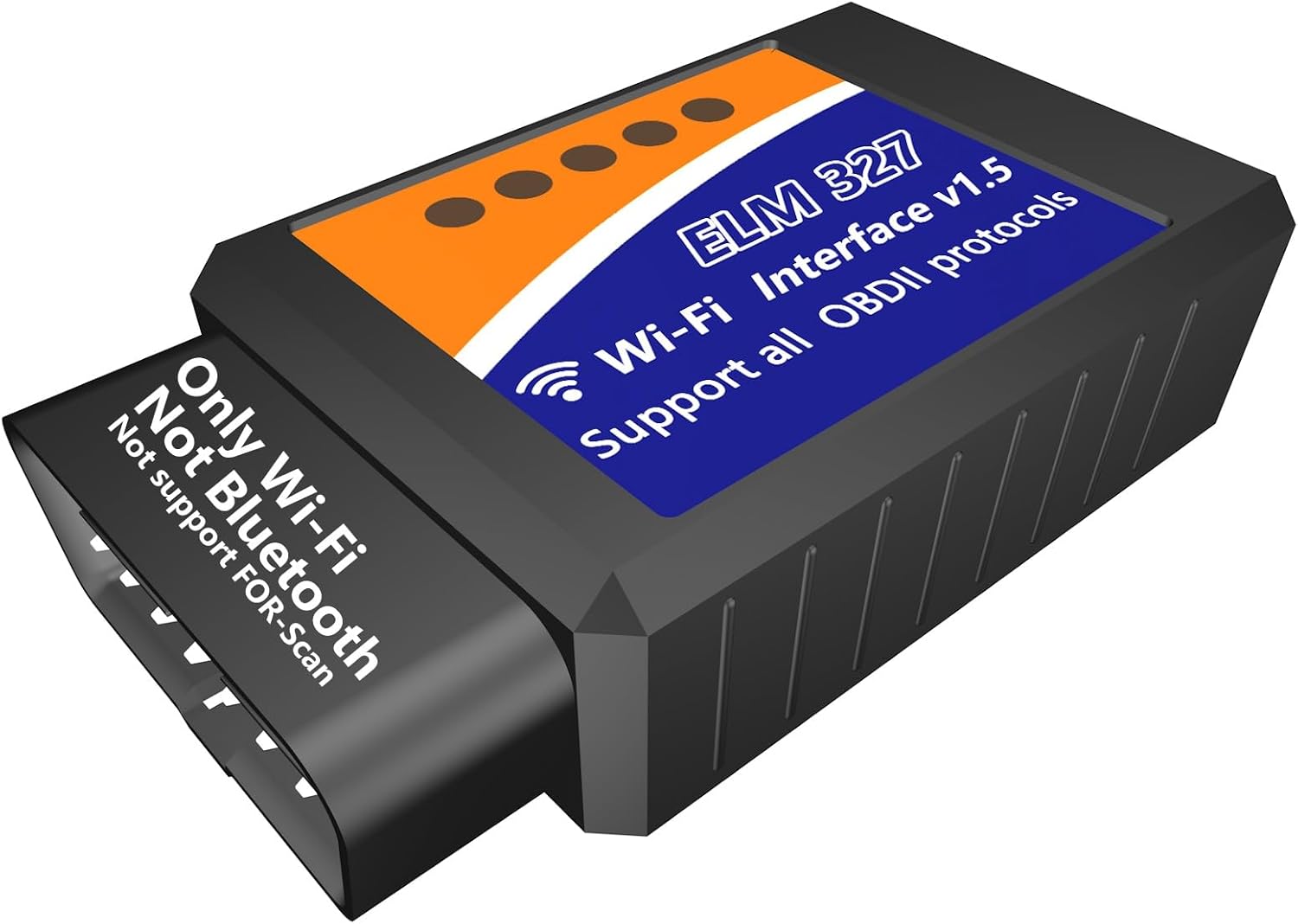
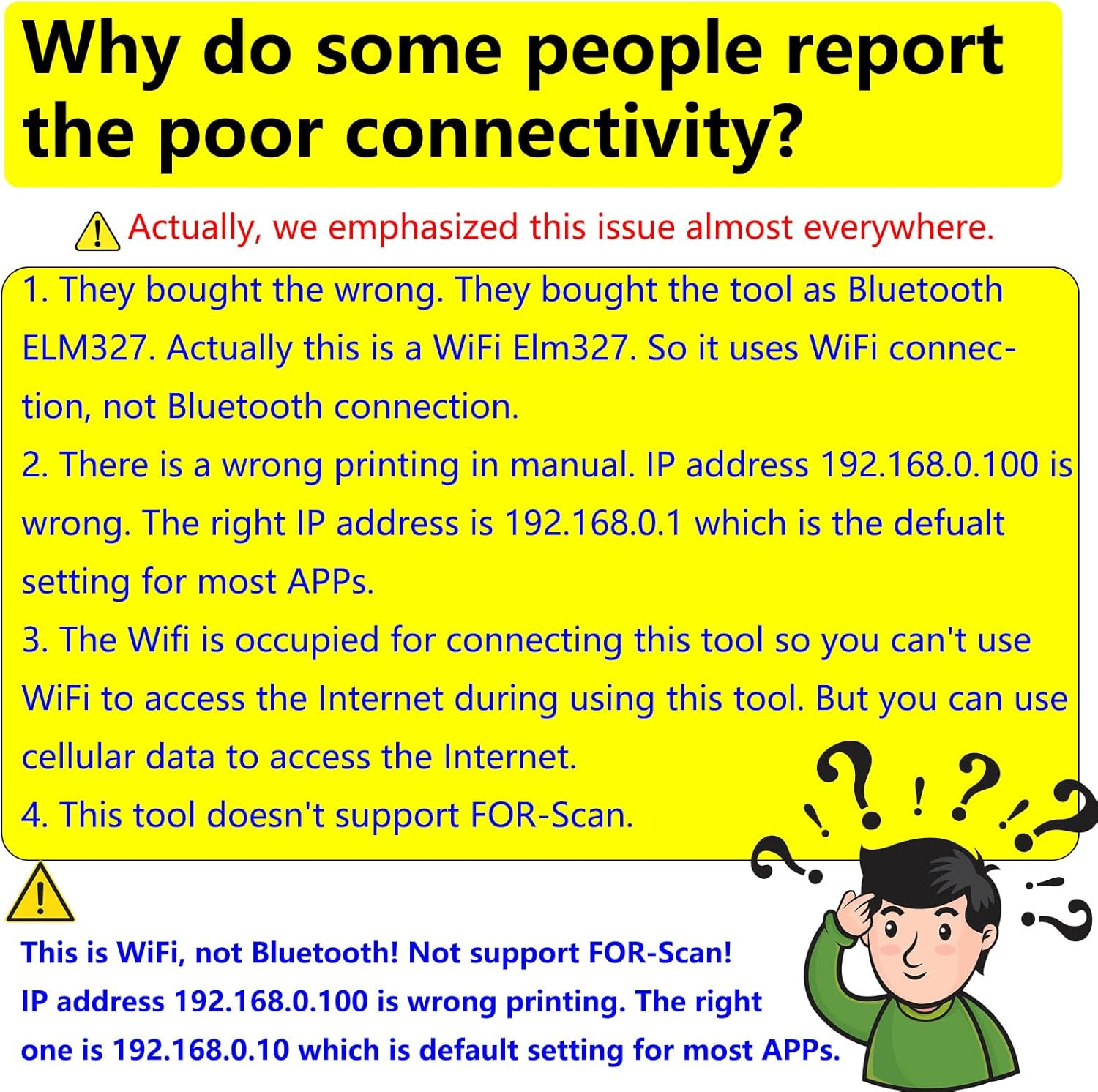
No, this is a Wifi tool. It doesn’t support Bluetooth. You can buy our Bluetooth ELM327 in our shop.
2. Does it support FOR-Scan?
No, it doesn’t support FOR-Scan. You can buy our USB ELM327 for FOR-Scan in our shop.
2. Why is no WIFI broadcast?
Because you didn’t plug it into your car’s OBD port and turn the ignition to “ON” position. The tool is powered by the car battery. If the tool is not powered, how can it broadcast WIFI?
3. Why doesn’t it work?
There will be some reasons: (a). Your vehicles is electric vehicles or 24V. This adapter is only for 12V vehicles. (b). You bought wrong adapter. You thought this is Bluetooth ELM327, in fact this is Wifi ELM327. (c). You downloaded wrong APP which doesn’t support Wifi connection. You downloaded the APP which is only for Bluetooth connection. (d). You should plug it into your car’s OBD port and turn ignition to “on” position, then this tool can be powered on by the car battery. And you should turn on the Wifi function in your phone setting. You can find he Wifi SSID name “WIFI-OBDII” there which broadcasts from this Wifi adapter. (e). Wifi setting(IP address & port) is wrong.
4. Why does my APP require payment or does not work properly?
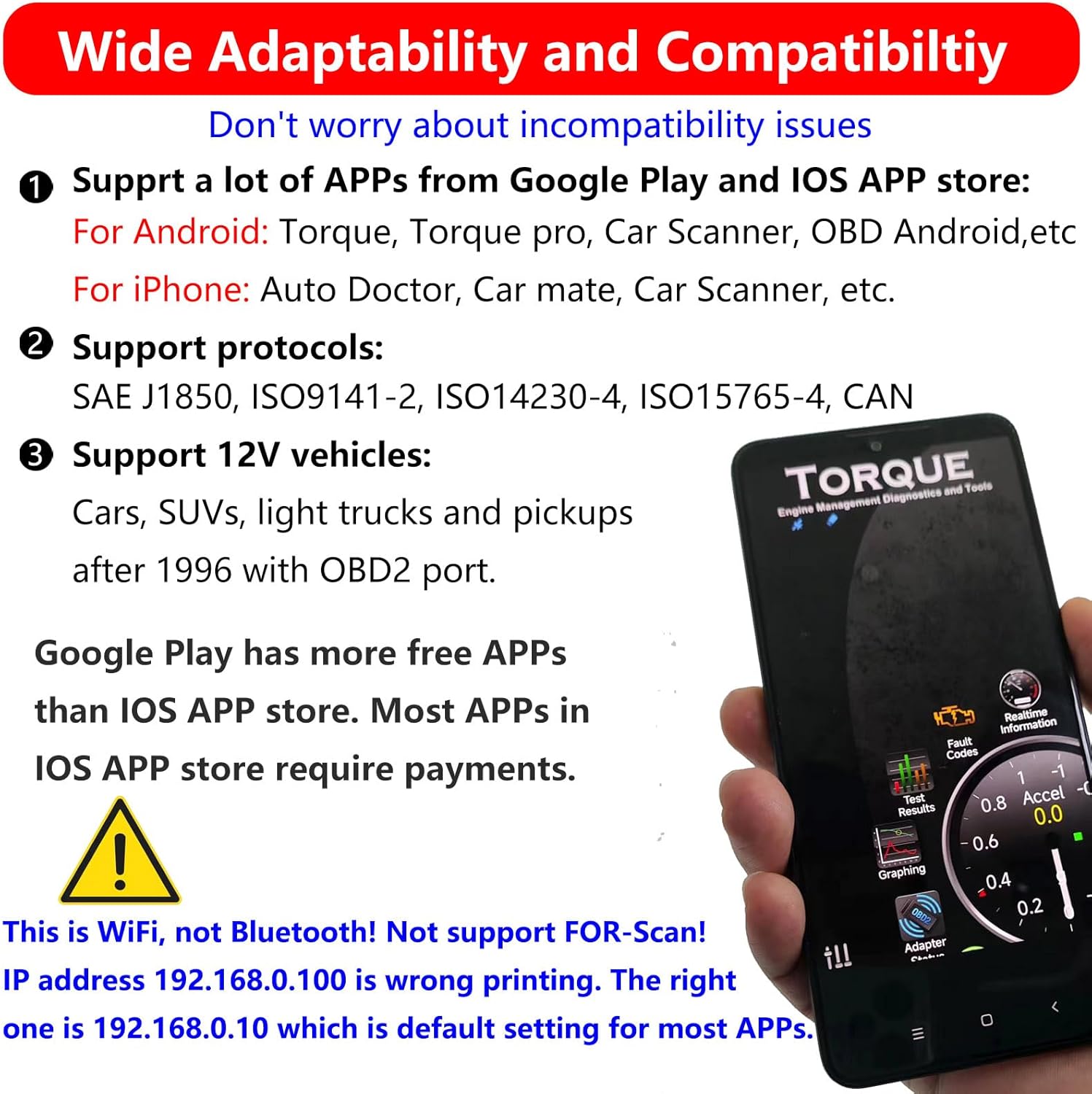
Our tool itself is no problem and the APP is supplied by 3rd parties. Some APPs are free, while some APPs charge for some or all of its functions. Google Play has more free APPs than IOS APP store. We recommend Torque on Android which is free. Torque pro for Android is good but not free. And Car Scanner is partially free. But Fusion and DashCommand are fully paid. To iPhone, Auto Doctor, Car Mate and Car Scanner are recommended. Kindly note if you need full functions, you would pay for them.
5. Why can’t it connect to my APP?
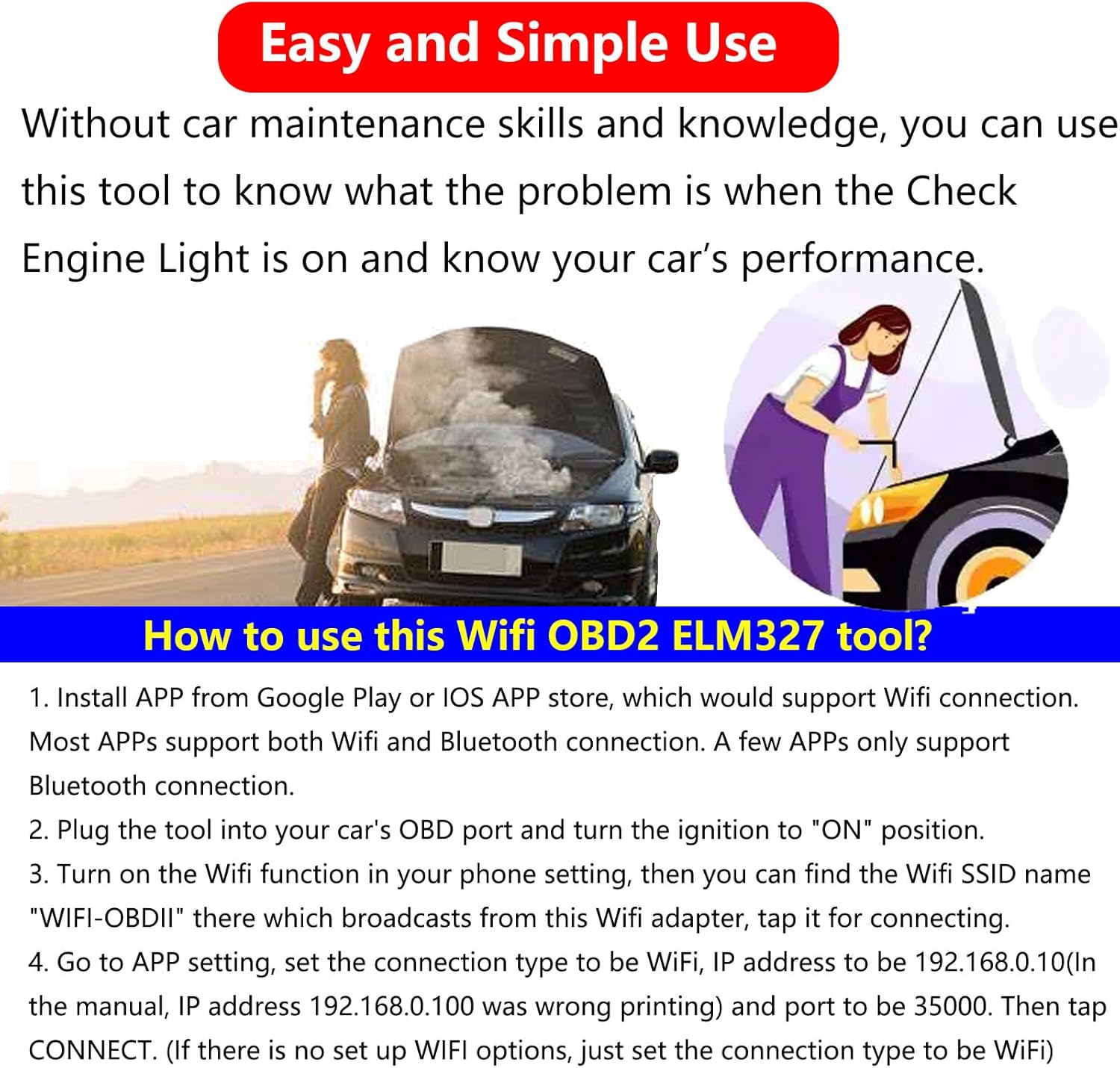
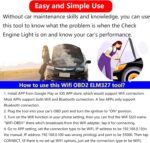
In the paper manual, we have detailed how the Torque APP connects to this tool. If you can’t connect your APP to this tool. You would read its help file or ask its service staff. Usually the connection is like this which may help you(Some APPs may be different). Firstly plug this tool in your car OBD port and turn the ignition to ON position. Next turn on your WIFI function in your phone setting and then find the SSID “WIFI-OBDII” and click it for connection. Finally go to your APP and set the connection type to be WIFI.
7. Why can’t I use Wifi to access the Internet when using this tool?
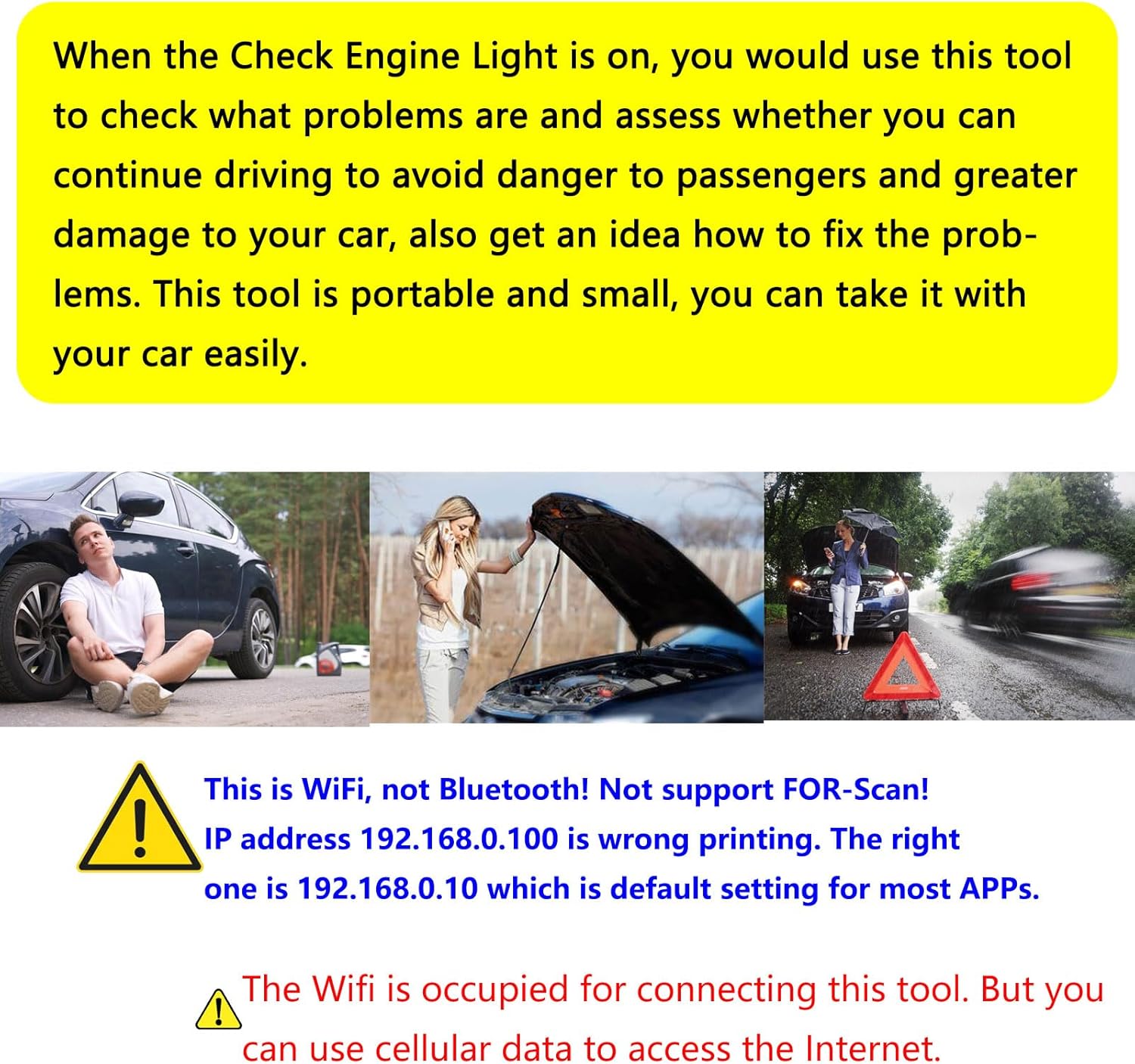
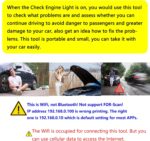
Yes, because the Wifi is occupied for connecting this tool. But you still can use cellular data to access the Internet. You can buy our Bluetooth OBD2 adapter for connecting the Internet by Wifi when using it by Bluetooth connection.
IMPORTANT REMINDING: ❶ In manual, IP address 192.168.0.100 is wrong printing. The right IP address is 192.168.0.10 which is default setting for most APPs. Don’t change IP address to be 192.168.0.100! Keep 192.168.0.10 as the right IP address. If not, you would change IP address to be 192.168.0.10. ❷ This is WiFi OBD2 ELM327 tool, not Bluetooth. ❸ This Wifi ELM327 doesn’t support FOR-Scan.
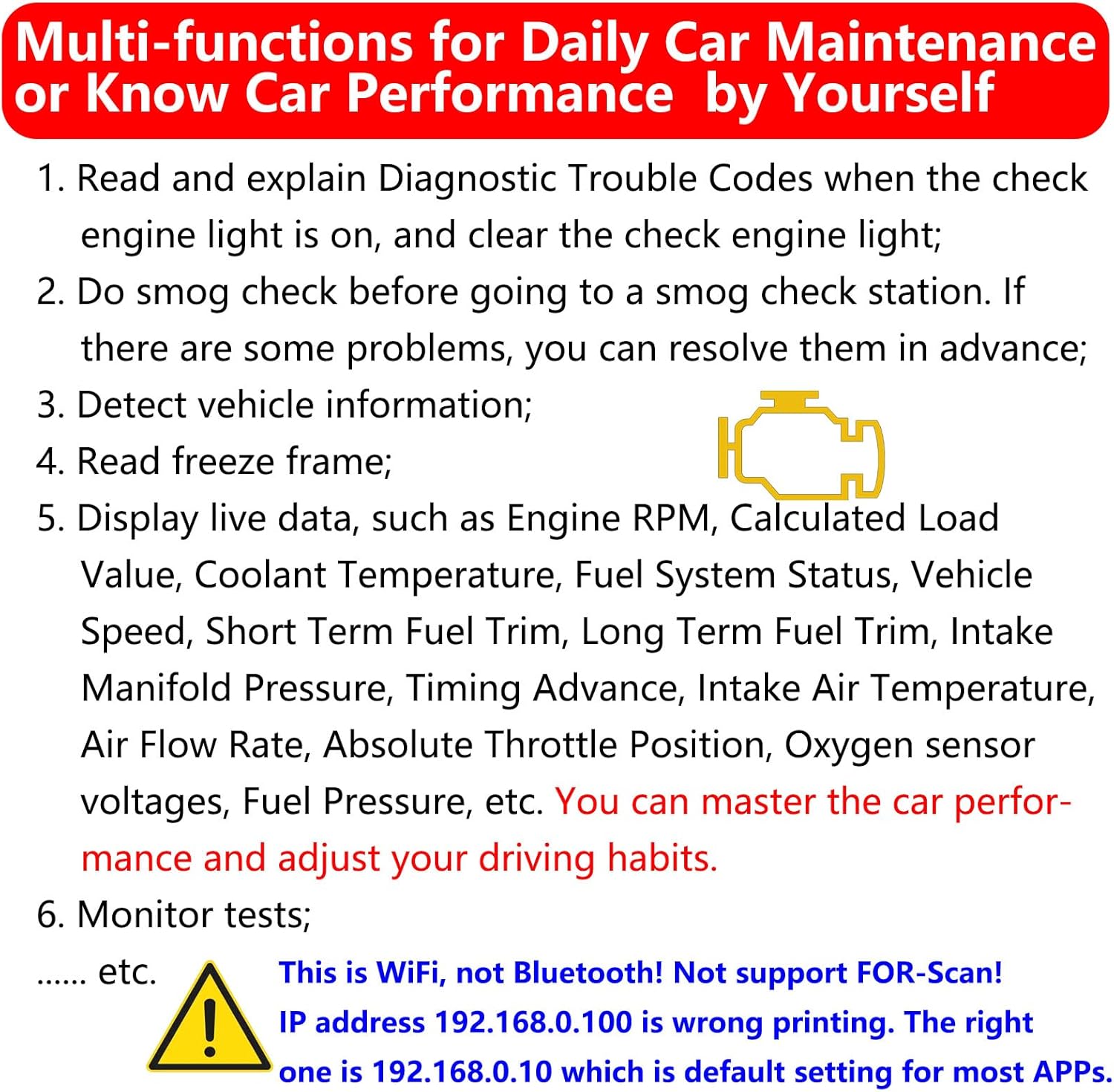
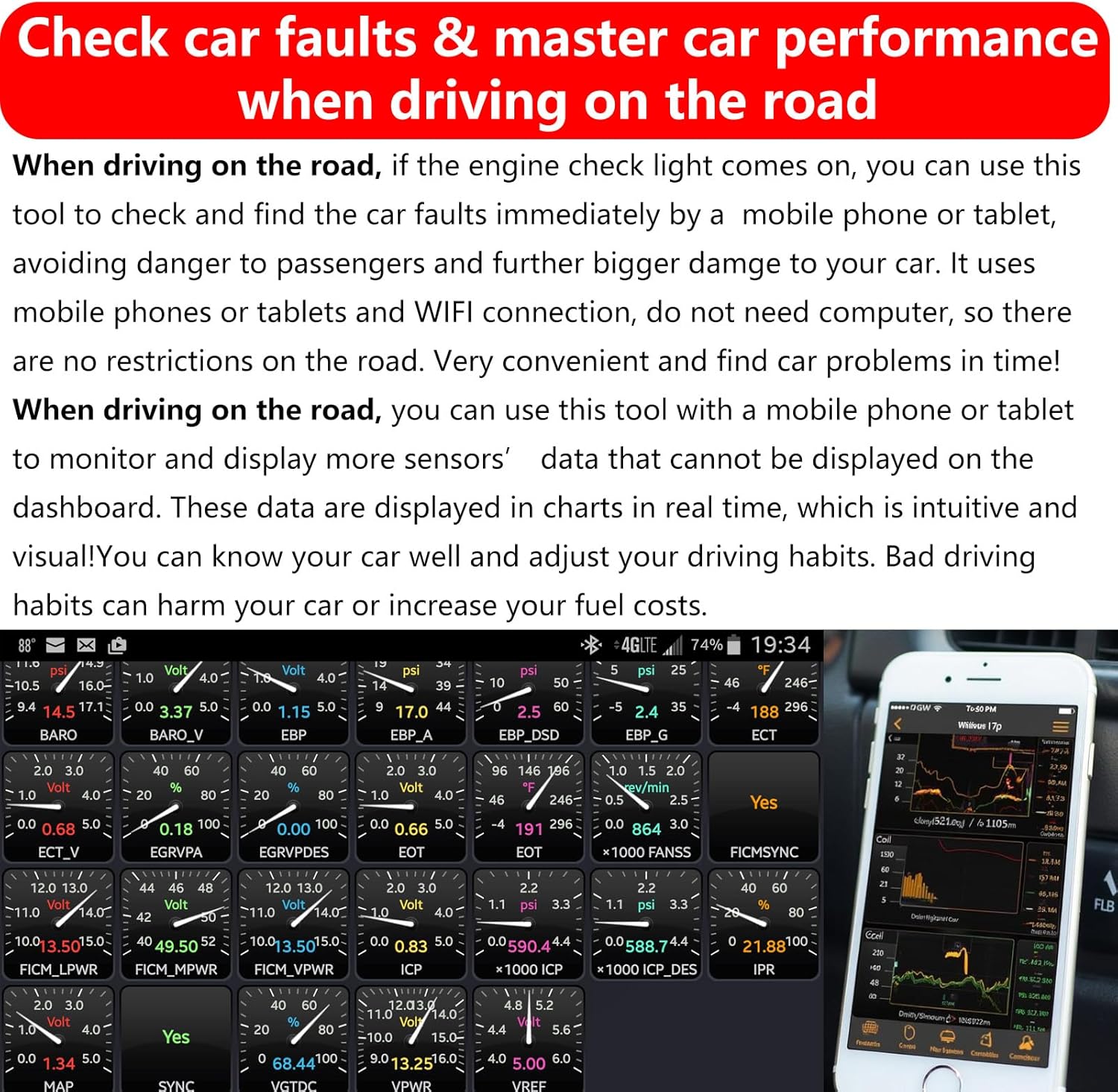
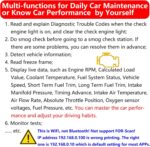
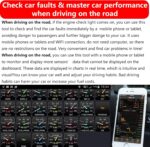
Why do you need this WiFi ELM327 OBD2 Adapter WiFi ELM 327 OBD2 Scanner? ❶ When your car’s Check Engine light comes on, especially when you are driving, if you continue driving, there will be a safety accident and damage to your vehicle. At this time, you can use this WiFi ELM327 OBD2 Adapter WiFi ELM 327 OBD2 Scanner by your mobile phone to check what the fault is and decide whether to stop driving, which is very simple and convenient. Before going for repairs, you can have a better idea of where and what the fault is.
Why do you need this ELM327 WiFi OBDii ELM327 Car Scanner Code Reader Connector Dongle? ❷ While driving, you can use this WiFi ELM327 OBD2 Adapter to monitor more parameters and master more about the car’s performance than the dashboard; ❸ You can use this WiFi ELM 327 OBD2 Scanner for daily car maintenance and inspection; ❹ Before doing smog check and safety inspection, you can use this OBD ELM327 OBD2 Scanner Diagnostic Tool Interface to check first to see if it can pass.
Easy and simple use: Even without professional car maintenance knowledge and skills, it is easy and simple for you to use this WiFi ELM327 OBD2 Adapter WiFi ELM 327 OBD2 Scanner for Android iOS iPhone. Even when your vehicle has a fault on the road, you can use this ELM327 WiFi OBDii ELM327 Car Scanner Code Reader Connector Dongle OBD ELM327 OBD2 to find what and where the fault is. Now there is a paper manual in the package, and very detailed, which is easy for you to use this OBD ELM327 OBD2 Scanner Diagnostic Tool Interface.
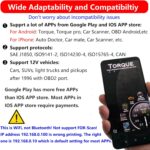
Wide supporting to APPs: This WiFi ELM327 OBD2 Adapter WiFi ELM 327 OBD2 Scanner supports iPhone, Android, phones and tablets. Support all APPs which supports Wifi connection. For Android, Torque is recommended. For iPhone, Car Scanne is recommended. Google Play has more free OBD APPs than APP store. You can download your favorite APPs for APP store or Google Play.This WiFi ELM327 OBD2 Adapter Car Scanner Code Reader Connector Dongle is support all car brands of 12V vehicles with OBD2 port manufactured after 1996, such as cars, SUVs, pickups and light trucks. No need to worry about incompatibility issues.
Customers say
Customers find the scan tool practical and of good quality, with positive feedback about its value for money. The functionality and connectivity receive mixed reviews – while some say it works well with multiple vehicles and connects easily, others report it doesn’t work with Alfa OBD and can’t establish a connection.
 Overview
 Processor
 Display
![]() RAM
RAM
 Storage
![]() Video Card
Video Card
 Connectivity
 Features
 Battery
 General
Related Products




Apple MacBook Pro 16″ M1 Pro
Out of stock
Reviews
Clear filtersThere are no reviews yet.